
How to Ride
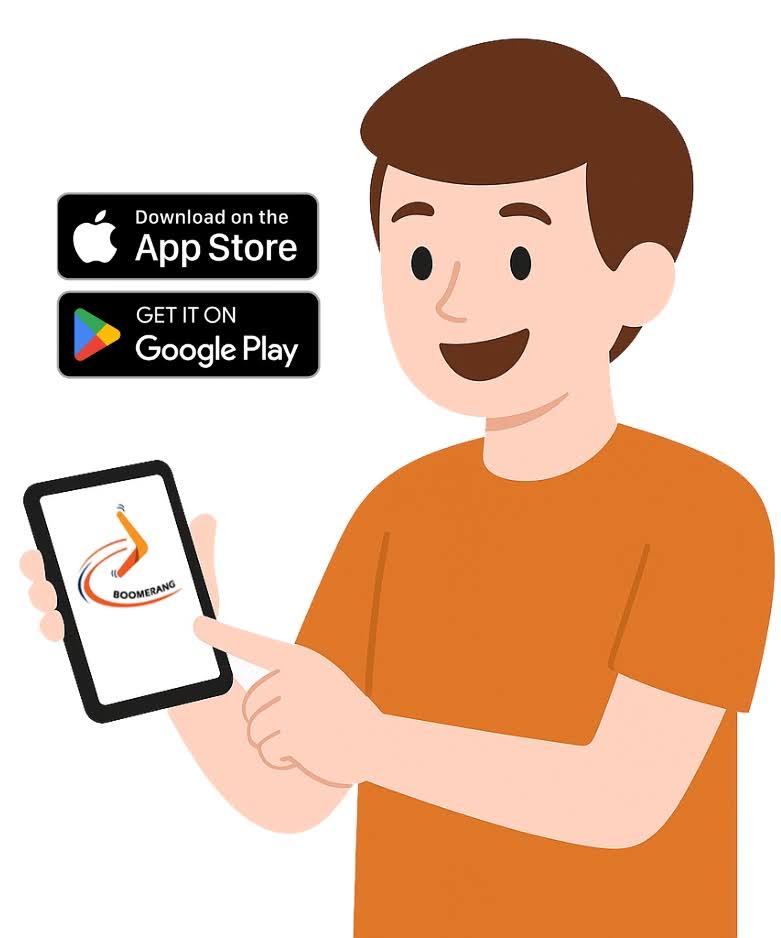
Download the Boomerang Bike Fleets app through the Apple store or Google play and follow the registration instructions.
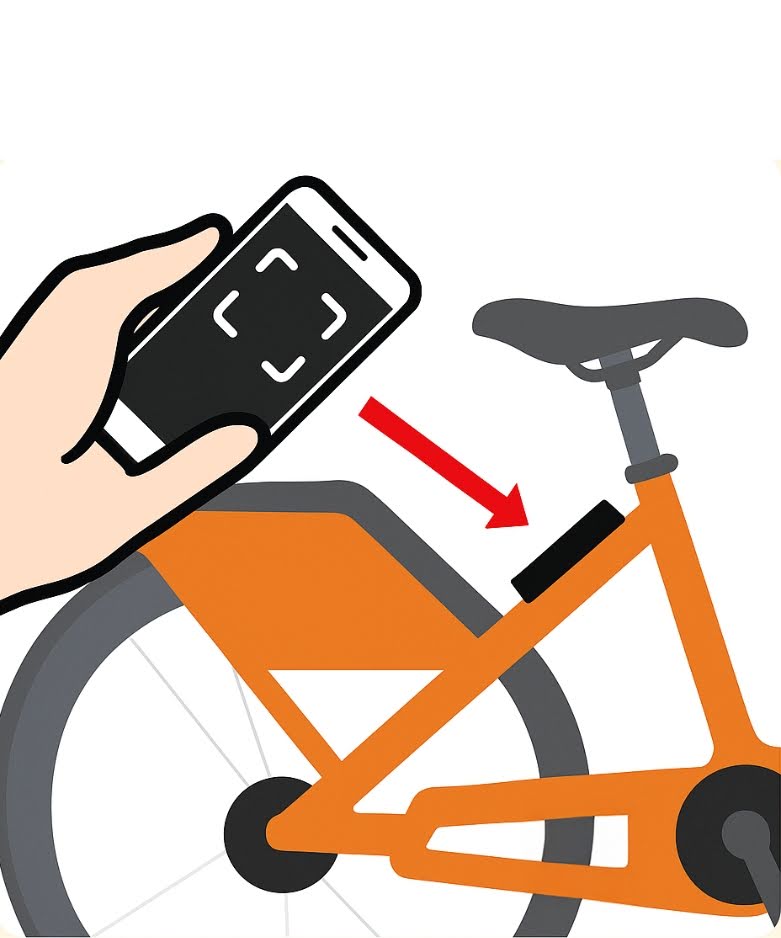
Find a bike and scan the QR code to activate.
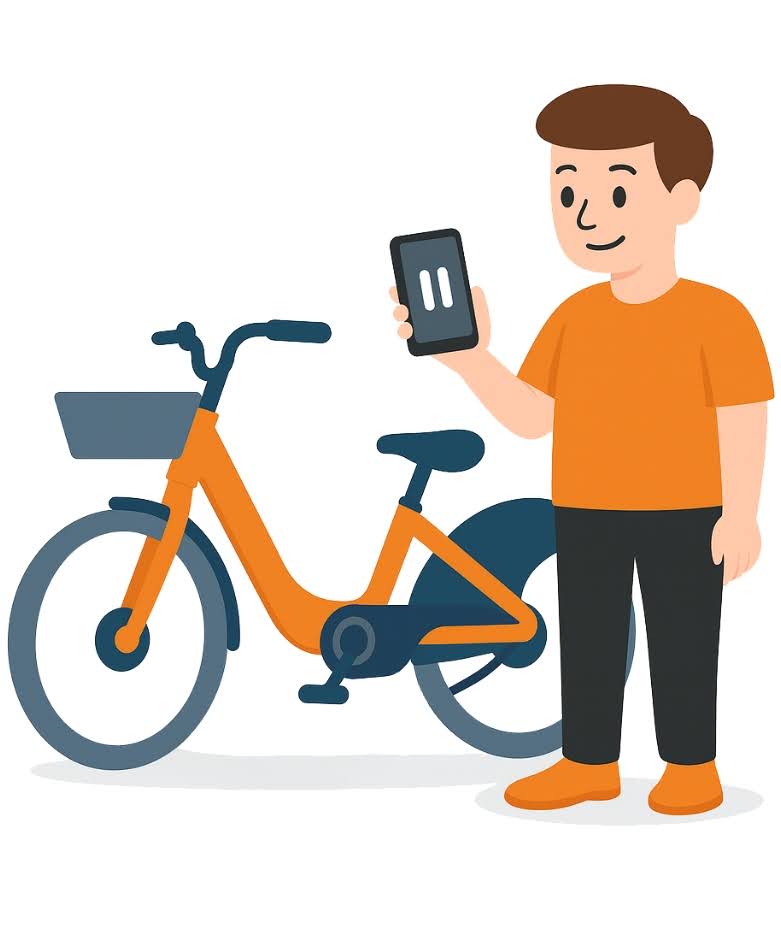
Prepare your ride by sliding the 'Ride' button in the app. You'll hear the bike unlock with a couple beeps. Quickly remove the bike from the docking station.
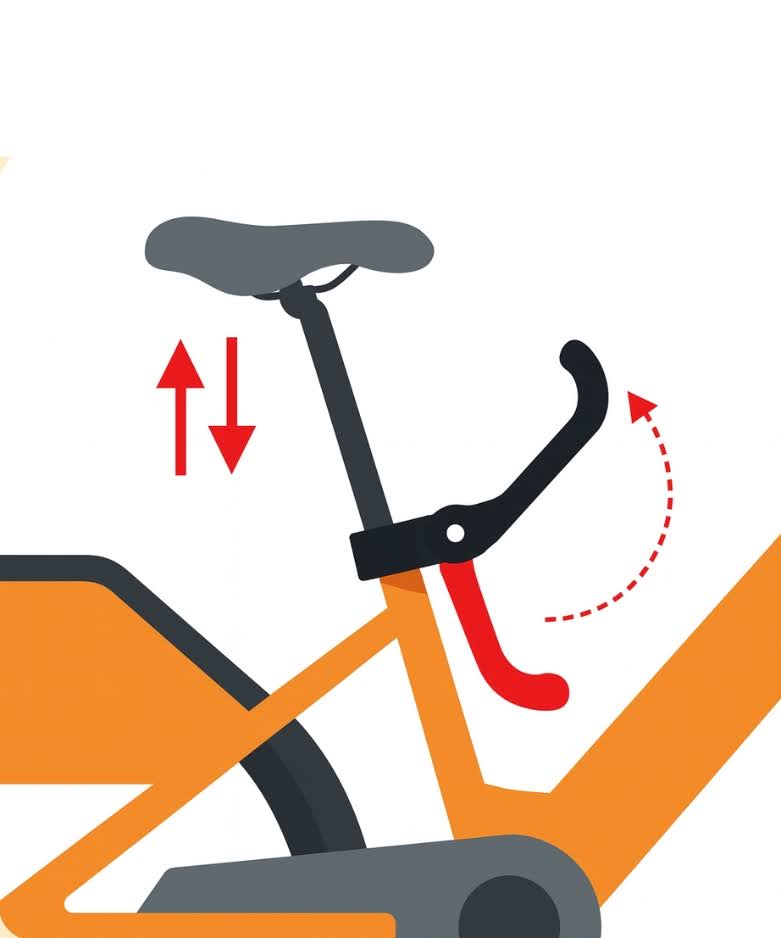
To adjust your seat height, simply lift the lever beneath the seat and either raise or lower the seat to your desired height. Then lower the lever fully to lock in place.
Make sure your kickstand is raised and reverse the bike out of the docking station.
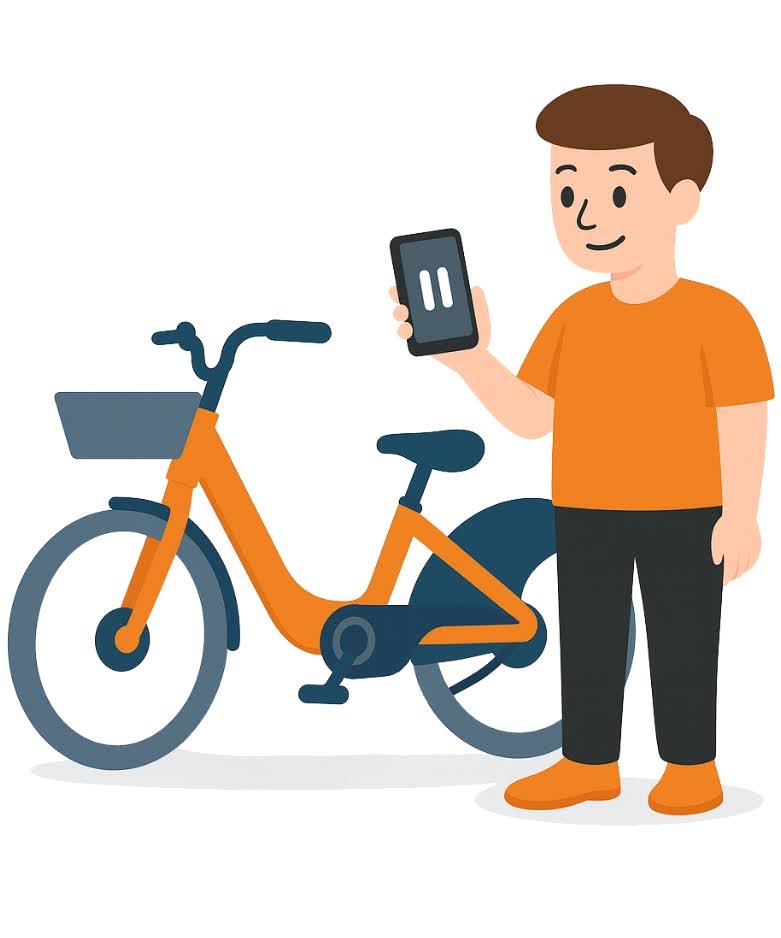
To pause your ride when you stop somewhere simply tap the pause button in the app. This will also engage your wheel lock and alarm.
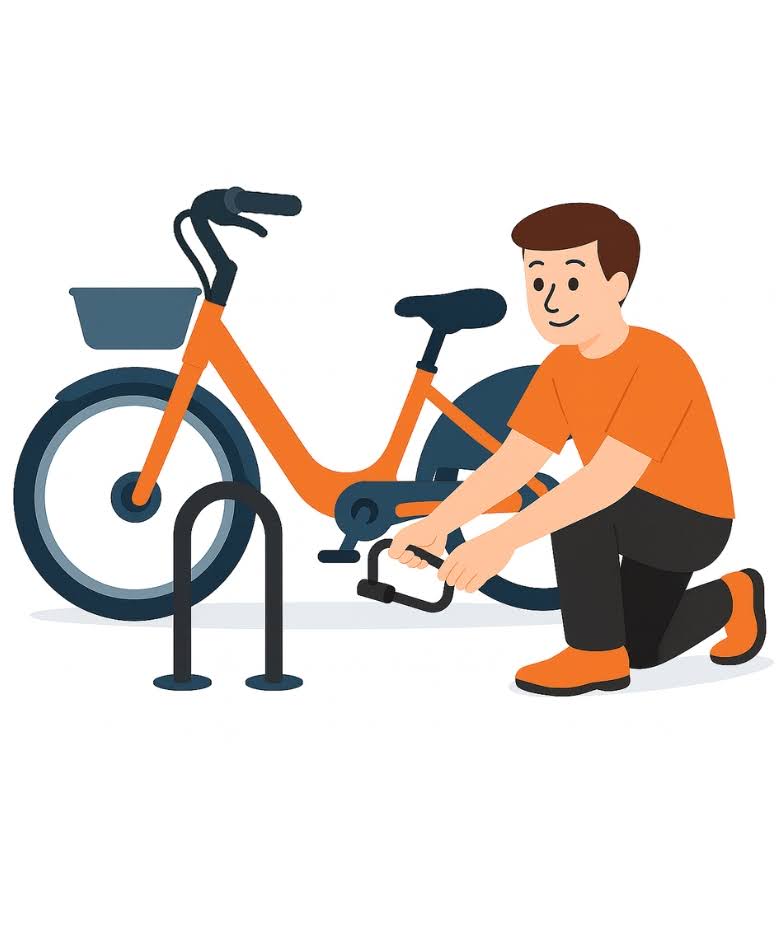
ALWAYS secure the bike when paused by using the provided lock. Lock combination can be found on your homescreen within the app.
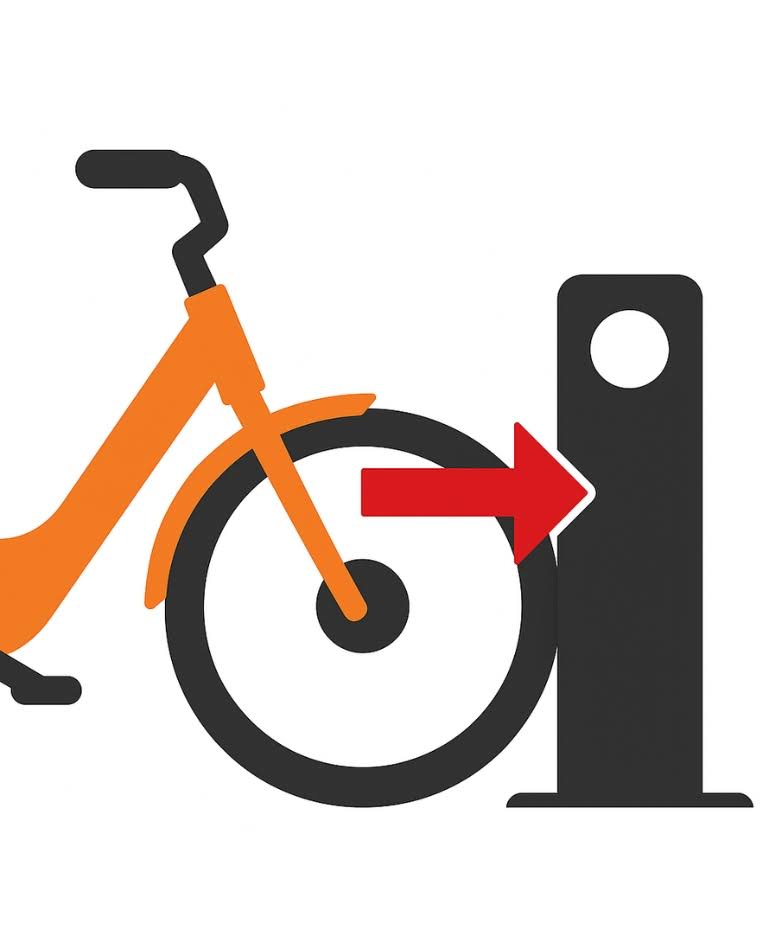
When returning your bike back to its original starting location, push the front wheel fully into the docking station. Make sure the bike is straight and the kickstand remains raised.
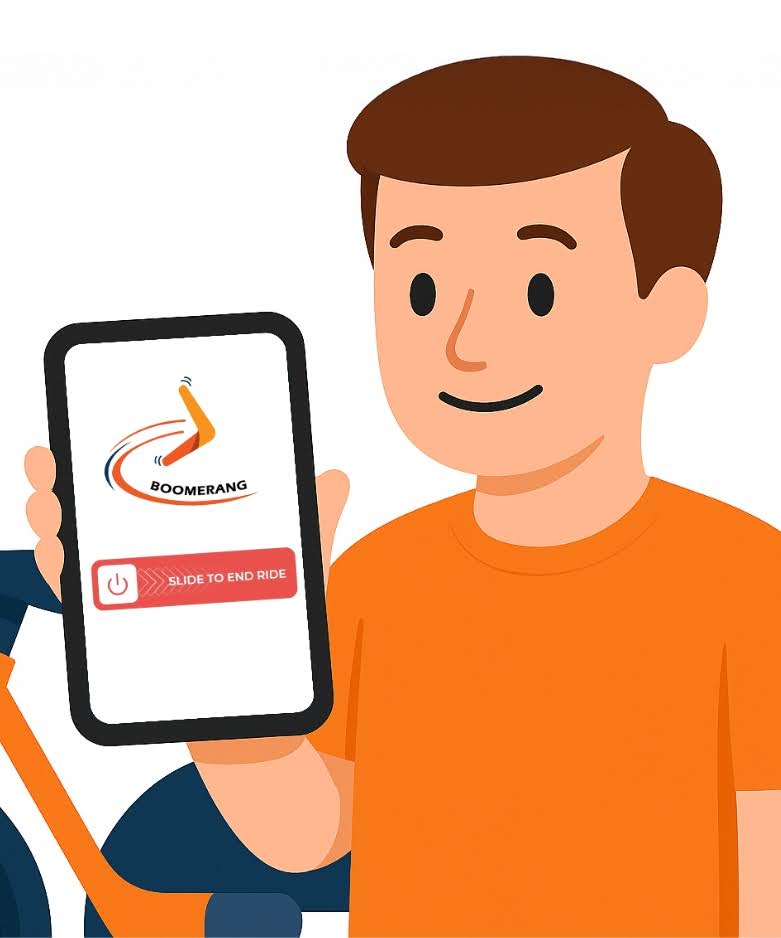
To end your ride, simply slide the ‘End Ride’ button in the app.
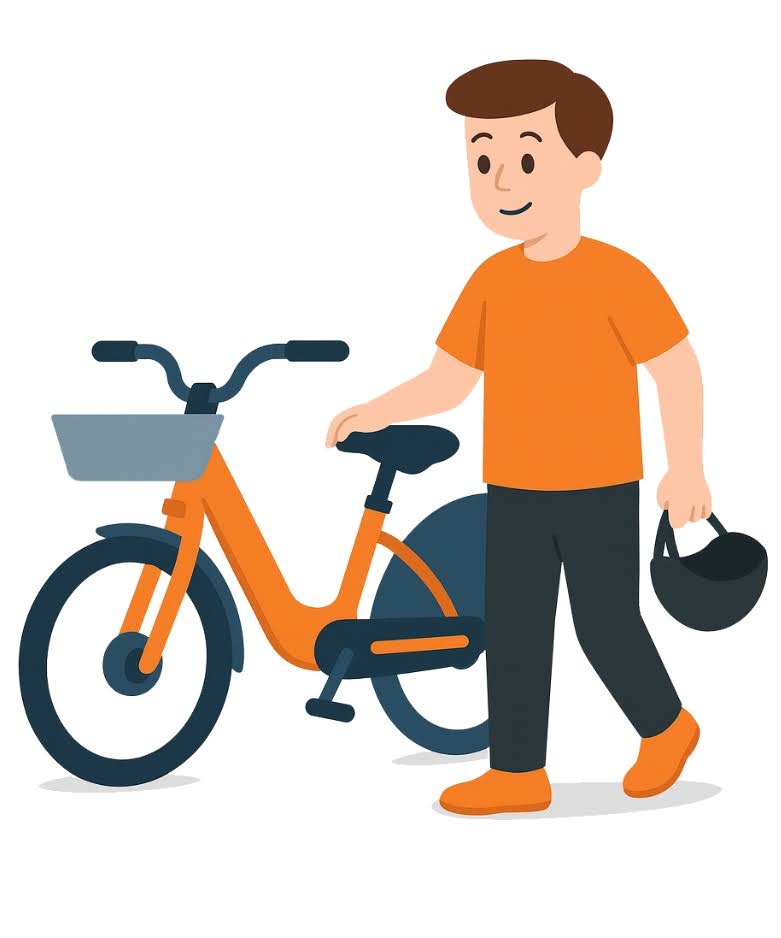
*Always follow the rules of the road, ride safely and wear a helmet.
**Always Always Always return your bike back to its original starting location.
To report an issue contact Boomerang fleets through the app under Help>Report Issue
